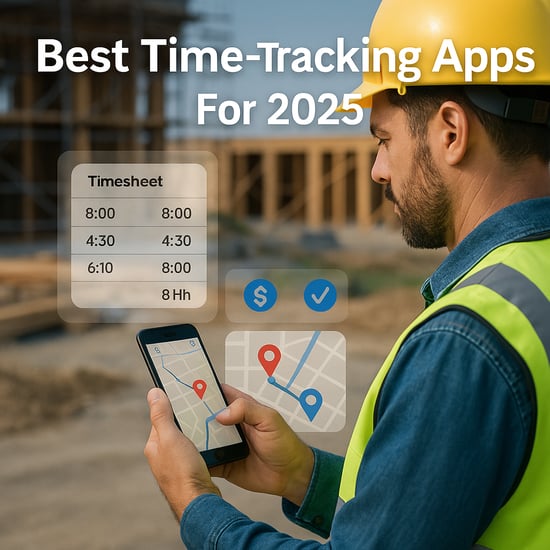
 Inaccurate timesheets can sink your bottom line, leading to payroll leakage, compliance risks, and razor-thin margins. As a construction business owner or operations manager, you need a reliable way to track employees’ hours accurately. Enter modern time-tracking apps, equipped with GPS trails, pay rules, approvals, and integrations that solve these costly problems.
This guide evaluates the top employee time-tracking apps for this year and beyond, highlighting their strengths and weaknesses to help you make an informed decision.
Bottom Line Up Front
- Best All-in-One for Small and Mid-Size Crews: Buddy Punch
- Best for GPS-Precise Tracking: Workyard
- Best for Agencies: Toggl Track
- Best Budget Pick: Clockify
- Best for QuickBooks Users: QuickBooks Time
- Best for Construction Trade Contractors: SmartBarrel
How We Evaluated Time-Tracking Apps
To determine the best time-tracking apps, we considered several criteria:
- Accuracy: Evaluated GPS/geofence fidelity.
- Ease of Use: Mobile and kiosk functionality.
- Approval Workflows: Streamlined processes for managers.
- Compliance: Pay rules, scheduling, and overtime management.
- Reporting & Job-Costing: Ability to generate valuable analytics.
- Integrations: Payroll and accounting software compatibility.
- Admin Controls and Data Export: Features that simplify management.
- Pricing Transparency: Clear cost structures.
- Implementation Speed and Support: Quick onboarding and assistance.
Our evaluation included pricing verification, documentation reviews, setup tests, and user feedback.
Quick Comparison of Top Time-Tracking Apps
|
Software |
Best For |
Pricing (from) |
Key Features |
Pros |
Cons |
Rating (/5) |
|
Buddy Punch |
Crews needing built-in payroll with time tracking |
From $4.99/user + $19 base; 14-day free trial |
Photo/Face ID punch, job codes, built-in payroll, scheduling |
Most affordable GPS time clock; all-in-one; US-based support |
No computer activity monitoring; project management integrations only via Zapier |
4.8 |
|
SmartBarrel |
Trade contractors with multi-site field crews |
Custom (contact sales) |
Biometric facial verification, built-in LTE hardware, live dashboard, ERP integrations |
No phone or WiFi required; works with PPE and gloves |
No public pricing; best for larger crews (100+) |
4.8 |
|
Workyard |
Field crews with GPS & job costing |
From $6/user + $50 base (annual); free trial |
GPS clock, geofencing, job codes |
GPS accuracy, construction-ready UX |
Requires base fee |
4.5 |
|
Toggl Track |
Agencies needing timers & reports |
Free (≤5 users); Starter $9/user/mo |
One-click timers, reports |
Fast onboarding, clean UX |
Limited native GPS |
4.2 |
|
Clockify |
SMBs needing approvals |
Free core; Standard $5.49/seat/mo (annual) |
Timesheets, approvals, invoices |
Very low cost; unlimited users on free |
Advanced features require paid tiers |
4.3 |
|
QuickBooks Time |
QuickBooks users |
Base + $/user; trial available |
GPS, kiosk, scheduling |
Tight QB integration |
Base fee can add up |
4.1 |
Buddy Punch: Best All-in-One for Small and Mid-Size Crews
Buddy Punch Key Features
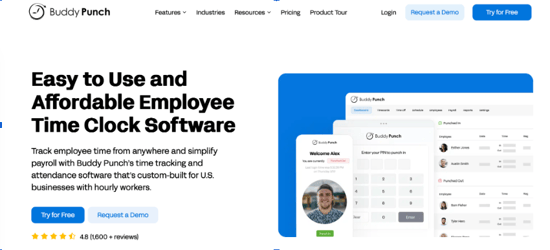
Buddy Punch is a time tracking platform for deskless teams, aimed at construction crews, field technicians, and retail staff. Workers punch from a mobile app, a computer, or a shared tablet in kiosk mode, with PIN or QR code punching.
There are multiple features for preventing time theft. GPS on punch logs each worker's location to their timecard, geofences block clock-ins from outside a job site, and photos on punch and Face ID prevent buddy punching. Job codes track hours against specific projects, and geofences can assign that time by location automatically.
Buddy Punch also offers API access and MCP access, so you can build custom integrations or connect your time tracking data directly to AI assistants.
- Punch Verification: Prevent buddy punching with photo clock-ins and Face ID.
- GPS and Geofencing: Track employees' locations on clock in/out and in real time, and set up geofences to block offsite punches.
- Offline Mode: On the Pro and Advanced plans, an admin can turn this on so employees who are already signed in to the mobile app can keep punching when the device loses its internet connection. Those punches upload to their timecards once the device is back online, with the locations, departments, and positions the employee selected.
- Job Costing: Track labor costs by job, project, task, or client.
- Scheduling: Create employee schedules and add locations to let employees know where they're working. Block early clock-ins or automatically clock employees out at the end of their shifts.
- Accountability Alerts: Get alerts for late clock-ins, early departures, and no-shows, and track attendance with real-time alerts and detailed reports.
- Payroll: Download reports formatted perfectly for your existing provider, set up an integration to pass the data instantly, or use the built-in payroll system. You can pay both employees and 1099 contractors, and send employees their wages via check or direct deposit.
- Time Off and Breaks: Automate PTO accruals and add time off to schedules. Enforce meal and rest break rules and automatically pay break premiums when one is missed. Edit timesheets as needed and approve submitted time cards.
Buddy Punch Pricing
Buddy Punch starts at $4.99 per user per month plus a $19 monthly base fee that covers admin users. You can try Buddy Punch for free for 14 days, no credit card required. Buddy Punch offers three plans, Starter, Pro, and Advanced — and full-service payroll can be added for $8/user per month plus a $49 base fee.
Buddy Punch Pros & Cons
Pros:
- One of the most affordable GPS time clocks on the market.
- Easy to use even for your least tech-savvy employees
- Time tracking, scheduling, job costing, and payroll processing in one platform.
- Highly rated US-based customer support by HR experts.
Cons:
- Project management integrations are only available via Zapier.
- Extended data retention is a paid add-on on every plan
- No computer activity or screenshot monitoring.
Who Should Buddy Punch
Small to mid-size businesses with hourly crews working away from a desk, particularly those that want scheduling, job costing, and payroll handled in the same tool as time tracking rather than through separate systems.
SmartBarrel: Best for Construction Trade Contractors
SmartBarrel Key Features
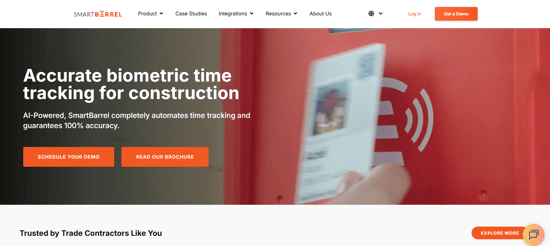
SmartBarrel is a time tracking platform built specifically for trade contractors managing field crews across multiple jobsites. Workers clock in using AI-powered biometric facial verification on a rugged jobsite device, a shared tablet in kiosk mode, or their own phone. The system builds each worker's facial profile automatically over time, so no photos need to be uploaded in advance.
The hardware device (TimeClock 4.0) mounts at the jobsite entrance, runs on solar or AC power, and connects over built-in LTE. Punches store locally if the signal drops and syncs automatically when it returns. Facial verification works with PPE, gloves, and safety glasses, and workers don't need a smartphone to clock in.
- Biometric Facial Verification: Confirms worker identity at every clock-in across all punch options
- Built-in LTE Hardware: The TimeClock 4.0 device connects over cellular rather than jobsite WiFi.
- Multiple Punch Options: Hardware device, shared tablet in kiosk mode, or personal mobile app.
- Cost Code Tracking: Foremen assign cost codes to pre-populated timesheets daily; codes carry over automatically from shift to shift.
- Live Dashboard: Real-time headcount and labor hours across all active jobsites.
- Integrations: Procore, Viewpoint Vista, CMiC, Plexxis, PowerBI, and additional platforms via export.
- Compliance Support: Prevailing wage, certified payroll, union schedules (4/10s, 5/8s), and per diem documentation.
SmartBarrel Pricing
Pricing is not publicly listed. SmartBarrel charges per worker and per device, with quotes based on workforce size, number of jobsites, and integration requirements.
SmartBarrel Pros & Cons
Pros:
- No pre-uploaded photos required; system self-learns worker profiles.
- Workers can clock in without a smartphone or jobsite WiFi.
- Supports certified payroll, multi-state overtime, and union rate requirements.
- Real-time visibility across multiple jobsites from a single dashboard.
Cons:
- No public pricing; requires a sales conversation to get a quote.
- Best suited for larger crews; less practical for very small or single-site operations.
- Does not currently include scheduling features.
Who Should Use SmartBarrel
Trade contractors managing 100 or more workers across multiple job sites, particularly where biometric verification, T&M billing documentation, or certified payroll are regular requirements.
Workyard: Best for GPS-Accurate Field Time & Job Costing
Workyard Key Features
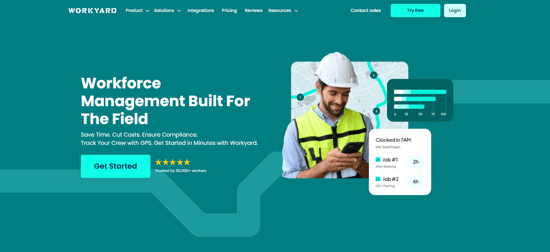
Workyard is designed specifically for construction teams, offering precise GPS time tracking and real-time location trails. With features like geofenced clock-ins, you can ensure your employees are working at the right locations, significantly reducing time theft. Other key features include:
- Job Codes: Accurate job costing for better profitability.
- Mobile and Kiosk Clock-Ins: Flexibility for field and office workers.
- Payroll Exports: Seamlessly sync timecards to payroll systems for faster processing.
How to Use Workyard for GPS Tracking
- Set Up Geofences: Specify job site boundaries.
- Why it matters: Instantly notifies when employees clock in/out.
- Enable Auto Clock Rules: Automatically clock in employees when they enter a site.
- Why it matters: Reduces manual entry errors.
- Monitor Timesheets: Review and adjust in real-time.
- Why it matters: Minimize payroll disputes.
Workyard Pricing
Workyard operates on a per-user pricing model, starting from $6/user/month plus a $50/month company base fee. This creates a predictable cost structure that scales with your company's size.
Workyard Pros & Cons
Pros:
- Highly accurate GPS tracking.
- Intuitive interface built for field use.
- Reduces timesheet disputes.
- Comprehensive job costing tools.
Cons:
- Monthly base fee.
- Primarily designed for field teams, not pure desk workers.
Who Should Use Workyard
Workyard is perfect for construction companies and field services with 5 to 500 field staff, especially those needing precise payroll and job-costing workflows.
User Testimonial: “Workyard has transformed how we manage time tracking. No more guesswork—just accurate data.” — Jake T., Project Manager.
Toggl Track: Best for Agencies & Knowledge Work
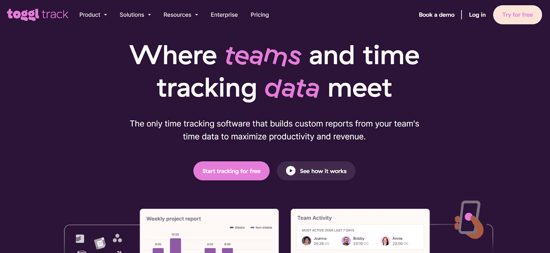
Toggl Track is ideal for agencies and knowledge workers who need easy timer-based tracking.
Toggl Track Key Features
- Built-in Timers: Start and stop timers with a single click.
- Reporting: Generate detailed reports to track billable hours.
Step-by-Step for Starting a Timer in Toggl:
- Select a Project: Choose from your list of active projects.
- Click the Start Button: Begin tracking time.
- Stop When Done: Click the stop button to finalize your entry.
Pros:
- Fast onboarding.
- Minimal administrative friction.
Cons:
- Limited native GPS capabilities.
Clockify: Best Budget Pick for Growing SMBs
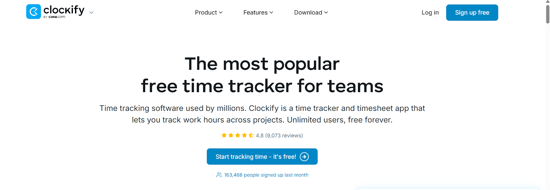
Clockify offers a budget-friendly solution with unlimited users on its free plan.
Clokify Key Features
- Timesheets: Easy to manage for all employees.
- Approval Workflows: Streamlining timesheet approvals.
Approval Flow Walk-Through:
- Submit Timesheet: Employees submit their hours for approval.
- Review: Managers can quickly review and approve or request changes.
Pros:
- Very affordable.
- Unlimited users on a free plan.
Cons:
- Advanced features are only available in paid tiers.
Homebase
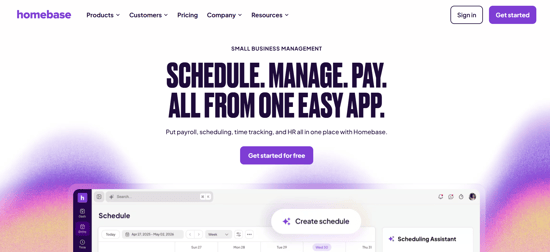
Homebase is an employee time tracking and workforce management platform designed primarily for small businesses in industries such as retail, restaurants, hospitality, healthcare, and home services. Employees can clock in and out from mobile devices, desktop computers, or a shared team tablet, while managers gain visibility into labor costs, attendance, scheduling, and payroll from a single dashboard.
The platform combines time tracking with employee scheduling, team communication, hiring tools, and payroll integrations, making it a popular all-in-one solution for businesses that need more than simple clock-in functionality. GPS location tracking and geofencing help ensure employees are clocking in from approved work locations, while automated timesheets reduce administrative work for managers.
Homebase Key Features
- Mobile Time Clock: Employees can clock in and out from iOS, Android, desktop, or shared devices.
- GPS and Geofencing: Verifies employee locations during clock-ins and help prevent time theft.
- Employee Scheduling: Create, publish, and update work schedules with shift notifications and availability management.
- Automated Timesheets: Track hours worked, breaks, overtime, and attendance in real time.
- Team Communication: Built-in messaging and announcements keep employees informed about schedule changes and company updates.
- Payroll Integrations: Connect with payroll providers to streamline wage calculations and payroll processing.
- Labor Cost Controls: Managers can monitor labor expenses and overtime trends across locations.
- Hiring and Onboarding Tools: Includes job posting, applicant tracking, and new-hire onboarding features.
Homebase Pricing
Homebase offers a free plan for one location with basic scheduling and time tracking. Paid plans add advanced scheduling, payroll, compliance tools, hiring features, and HR capabilities. Pricing varies based on location count and feature requirements.Pros:
- Free plan available for small businesses.
- Combines time tracking, scheduling, team messaging, and hiring in one platform.
- Easy-to-use mobile app for managers and employees.
- GPS tracking and geofencing help improve attendance accuracy.
- Strong fit for retail, restaurants, and service-based businesses.
Cons:
- Better suited for small businesses than large enterprises.
- Field crew-specific hardware not available.
Who Should Use Homebase
Small businesses with hourly employees that need an affordable combination of time tracking, employee scheduling, attendance management, and team communication. Homebase is particularly well-suited for restaurants, retail stores, cafés, hospitality businesses, healthcare practices, and other service-oriented organizations managing shift-based workforces.
QuickBooks Time: Best for QuickBooks-Centric Payroll
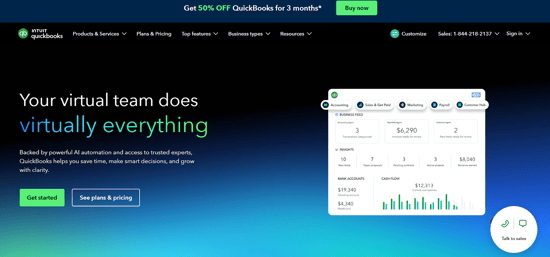
QuickBooks Time is closely integrated with the QuickBooks ecosystem, making it ideal for teams already using this software.
QuickBooks Time Key Features
- Scheduling and PTO: Manage both effectively alongside time tracking.
- GPS and Kiosk: For accurate clock-ins.
Pros:
- Seamlessly integrates with QuickBooks.
- Strong scheduling features.
Cons:
- Base fee may add up.
How to Choose
When choosing a time-tracking app, consider your team dynamics:
- Field Teams vs. Desk Teams: If you're managing field crews, go for GPS capabilities.
- Budget & Use Cases: Weigh features against costs important for your business.
Pricing Guide
Time-tracking apps often use different pricing models:
- Per-User Fees:
- Base Fee Plus Per-User:
- Free Tiers:
Trends in Time Tracking
- AI Implementation: For auto-categorizing time entries.
- Compliance Automation: Ensuring that break and overtime rules are automatically enforced.
Time-Tracking Apps FAQs

Q: How secure is GPS tracking?
A: Most apps ensure data privacy and user permissions are respected.
Q: Can my team access timesheets offline?
A: Solutions like Workyard allow offline clocking, syncing data once back online.
Q: How can inaccurate timesheets impact my construction business?
Inaccurate timesheets can inflate labor costs, create payroll disputes, and make job-costing unreliable, which ultimately erodes your margins and cash flow.
Q: What should I look for in a time-tracking solution for field crews?
Focus on GPS accuracy, geofencing, simple mobile clock-ins, clear approval workflows, and strong reporting so you can trust your labor data and price jobs correctly.
Conclusion & Next Steps
Choosing the right time-tracking app can significantly enhance your business operations. For precision and job costing, try a 14-day free trial today and see the impact for yourself.